
How to Generate a Playwright Test Automation Framework with TypeScript
-
Navigate to the URL: www.oqverin.com to Generate Playwright Test Automation Framework with TypeScript.

2. Click on Start Free Trial Button

User will be navigated to the Login UI.

3. Enter Email Address and Password click Sign In button. If you have not signed up, then click on the Signup for 7-day trial button.

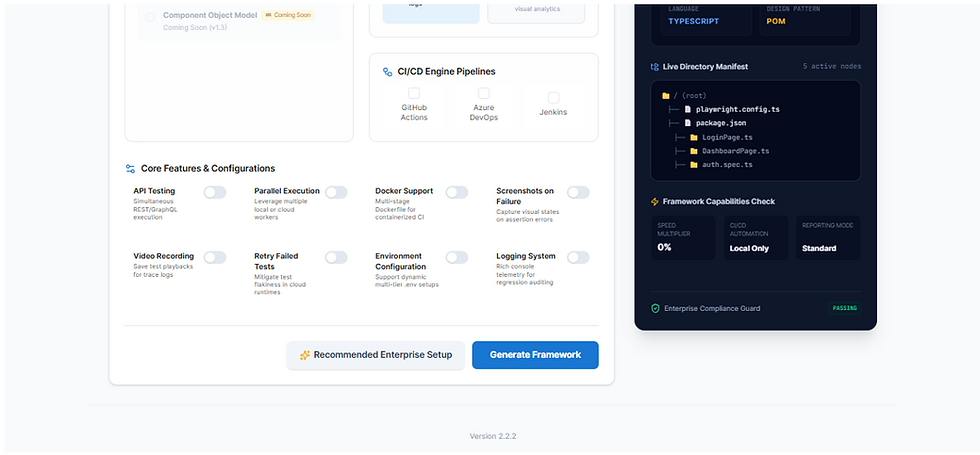
Turn on all the configurations or choose according to your needs like video recording, screenshots on failure etc. Select Pipeline and click on Generate Button.
4. Click on Generate Button and user will be navigated to the UI below and then click on Download ZIP button and Extract.
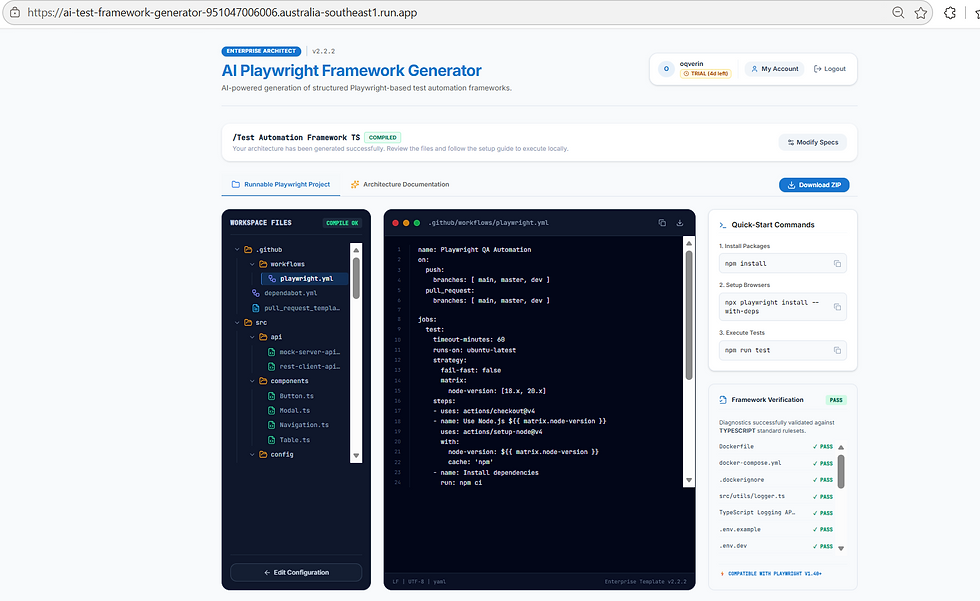
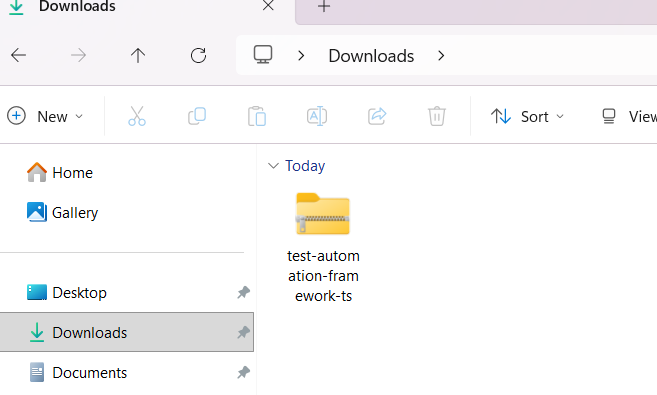
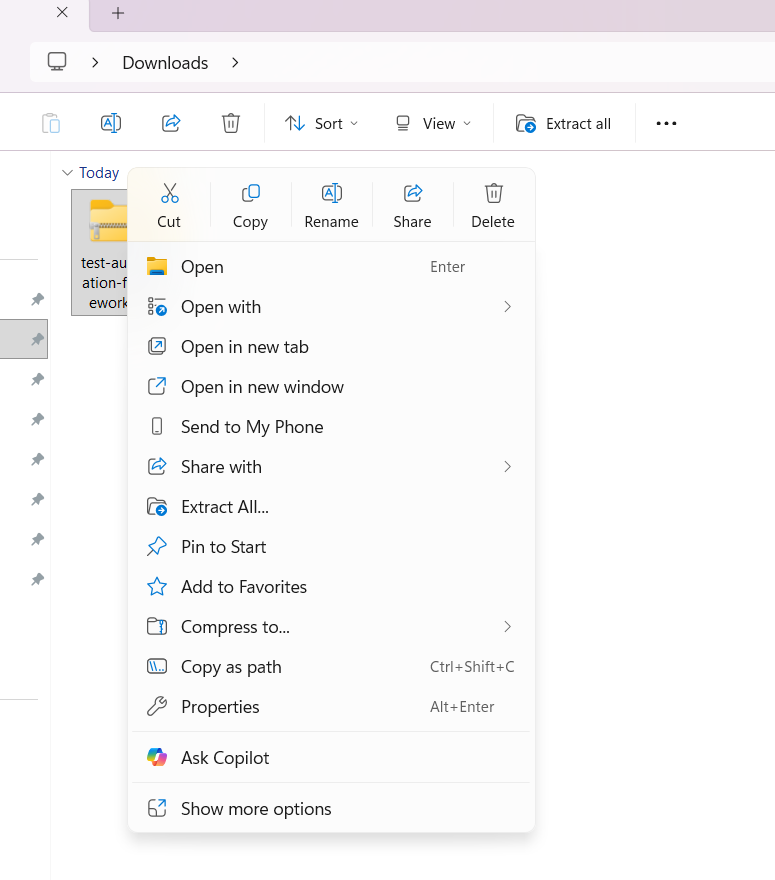
5. Select “Extract All” to extract the ZIP folder and Open the Project in IntelliJ and click Trust Project button.
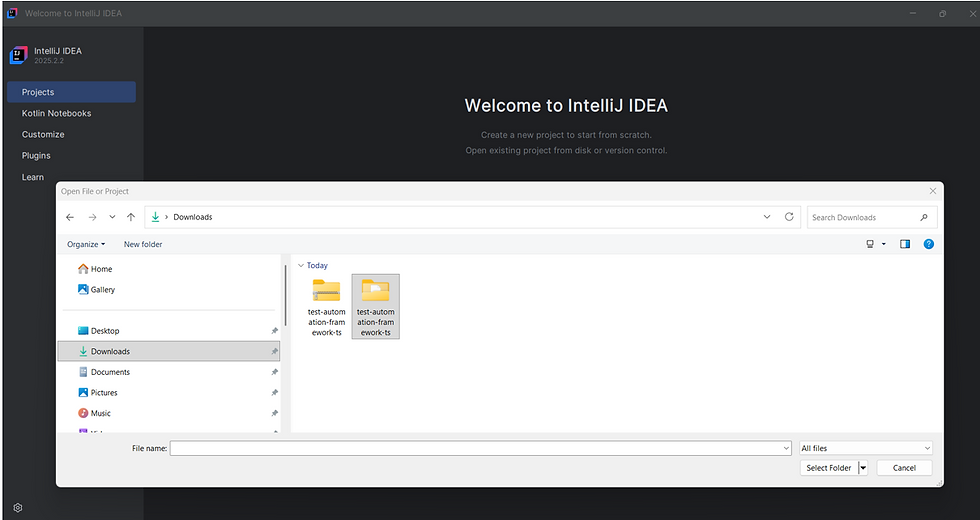


6. The Project is opened, Navigate to View -> Tools Windows -> Terminal

7. Execute the command: npm install PRESS ENTER key
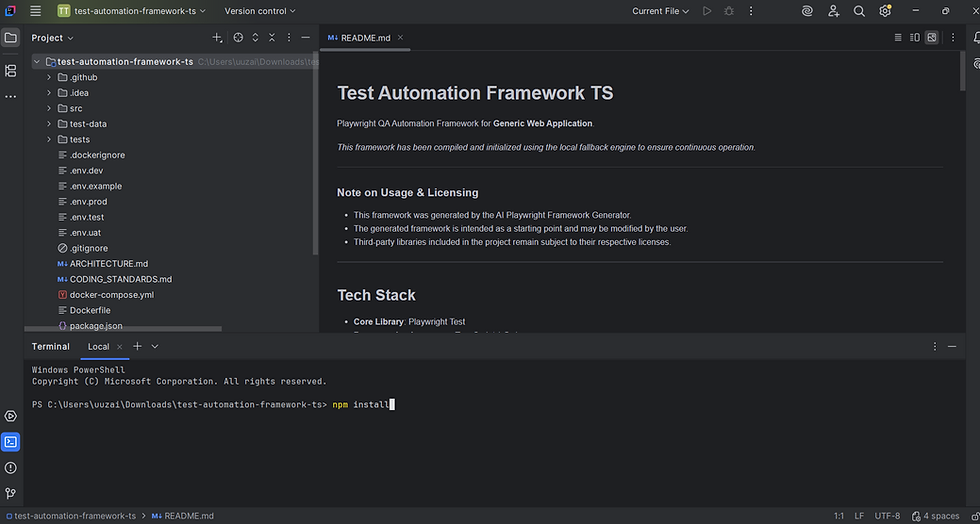
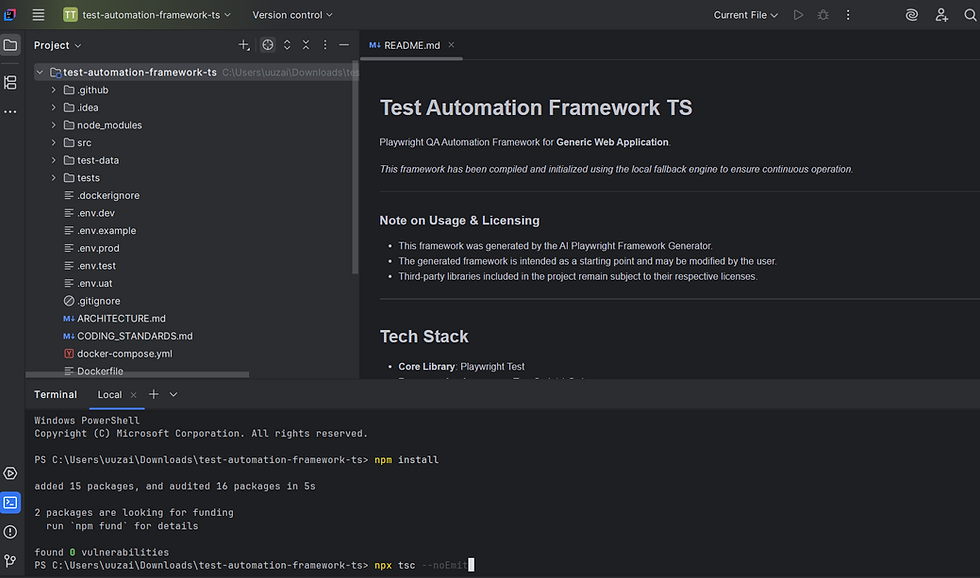
8. Execute the command: npx tsc --noEmit – PRESS ENTER key
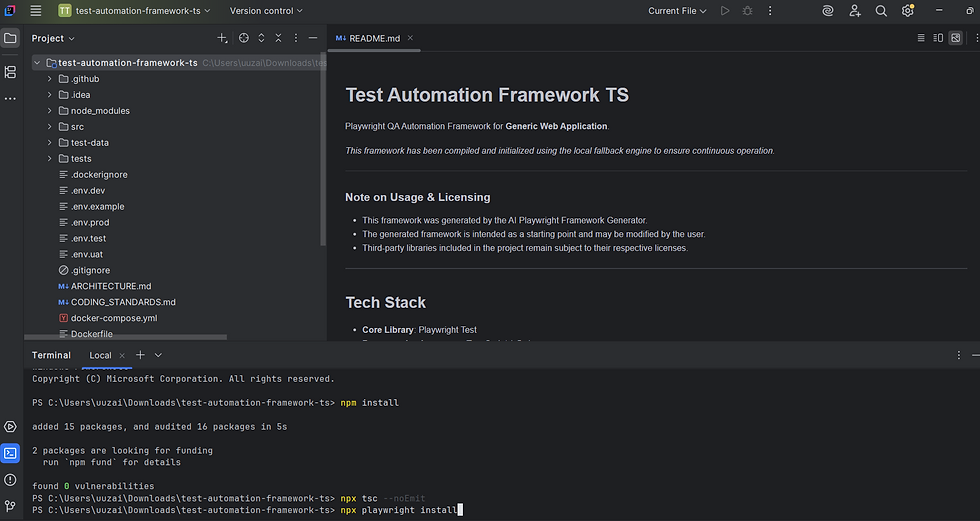
9. Install Playwright browsers: npx playwright install PRESS ENTER key
10. Execute the command: npx playwright test - PRESS ENTER key
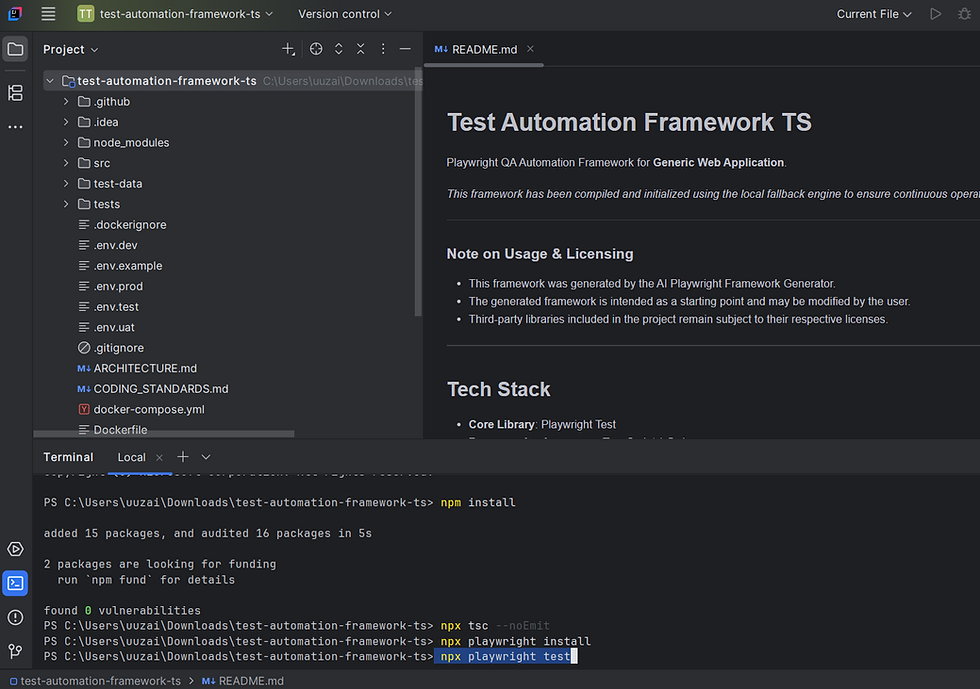

10. Execute the command: npx playwright test - PRESS ENTER key to Open the HTML Report

